
To customize the apps on your main menu:
- Use your remote to highlight the Vrtly app.
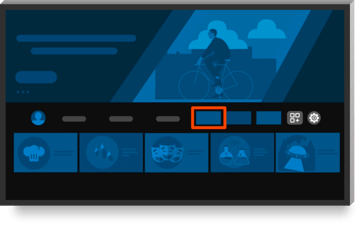
- Don't see the Vrtly app on your main screen?
Select the Applications icon to access all of your apps.
It's located on the right end of the navigation bar on the home screen.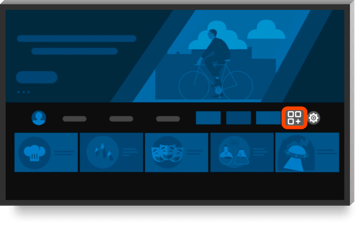
- Once the Vrtly app is highlighted,
press the Menu button or press and hold the Select button on your remote.
- Select Move or Reorder.
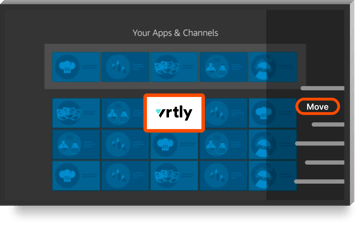
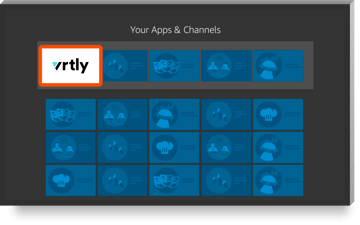
- Move Vrtly to the top.
Still have questions?
Reach out to our team at support@vrtly.ai